5 Updates That Shrink the Gap Between 'Content Is Done' and 'Content Is Live'
Contents
The part of content creation that eats the most time isn't coming up with ideas—it is everything that happens afterward: downloading videos to re-upload elsewhere, hunting for captions and hashtags, waiting on static reports, and reorganizing product images for every new promotion.
Two key industry data points frame why removing this operational friction matters:
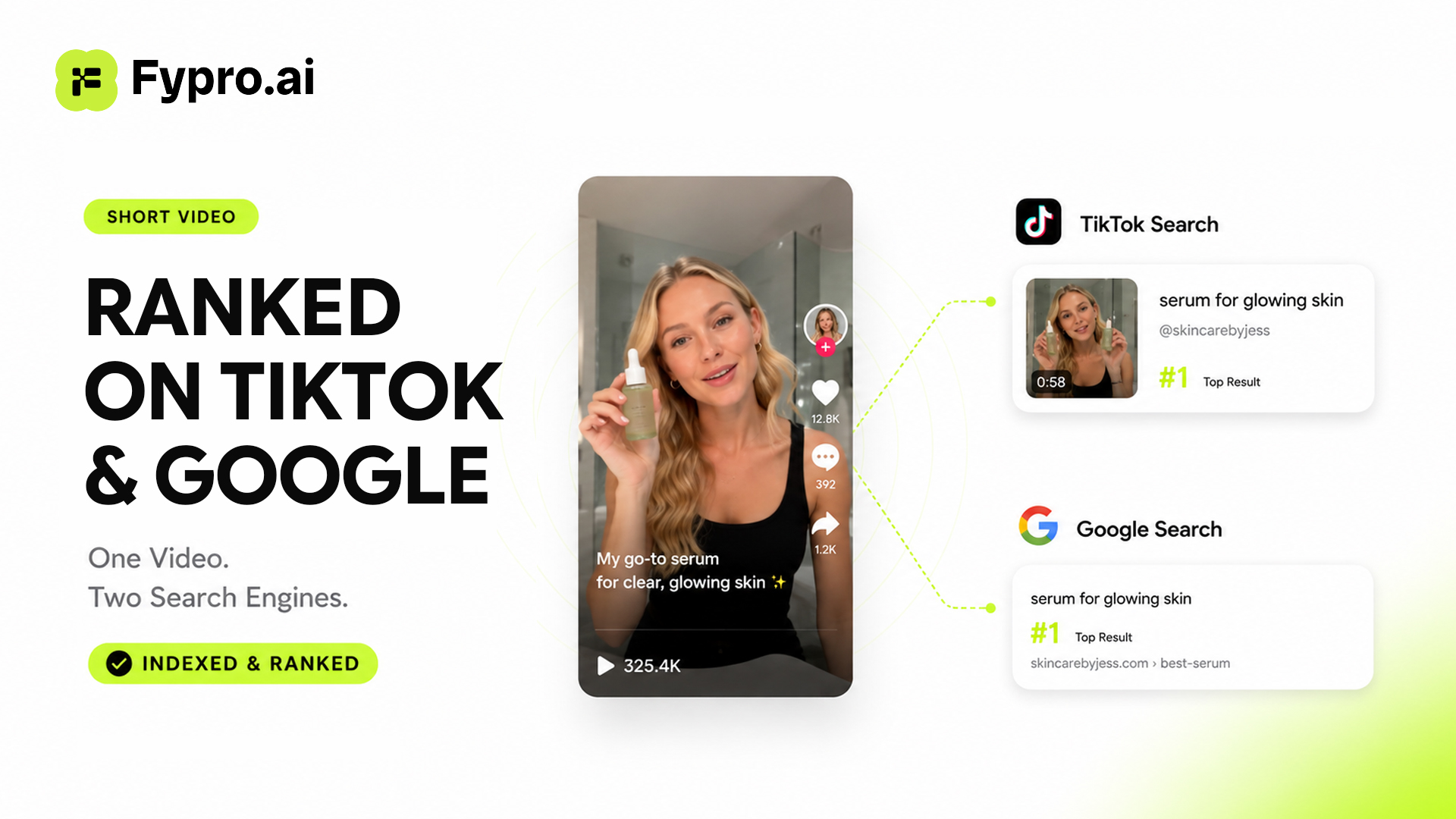
- Search-Driven Discovery: Captions and hashtags remain crucial ranking signals in TikTok's algorithm. According to Hootsuite's TikTok algorithm breakdown, roughly 84% of TikTok searches occur during a user's exploration phase. Without optimized metadata, even high-quality video content fails to surface.
- Automated Asset Handling: A key trend in social commerce is replacing manual media uploading with automated workflows. Industry research on shoppable video platforms by Videowise highlights that AI-assisted product recognition and tagging are eliminating manual asset management.
Our latest batch of feature updates directly targets the gap between finishing a piece of content and getting it live and monetized.
Publishing and Management Just Got Easier
Planner now manages TikTok publishing as a standalone workflow, completely independent of the ideation-to-script pipeline. If you have a finished video created outside the system, you can upload it directly into the publish flow without creating a project from scratch. Drafts, processing clips, publish errors, and live posts now reside in a single dashboard view for instant status tracking.
To solve the discovery challenge, Planner generates real-time caption and hashtag suggestions based on active TikTok search trends. Rather than relying on static prompts, it analyzes your video content and cross-references high-performing search terms to maximize reach.
Additionally, AI Studio now features a direct Publish button below newly generated videos. Simply select a connected TikTok account and post immediately—eliminating the need to download and re-upload files. If you are using our AI Video Remake guide workflow to adapt viral formats, this feature keeps your publishing momentum unbroken.
Go From Script Straight to Video
The My Projects workspace now connects directly to AI video generation. When a project reaches the Summary stage—meaning your idea and script are locked in—you can trigger video generation instantly without jumping to a separate creation screen.
The "Try AI Video" action is accessible from two locations:
- Project Table View: Move quickly directly from your master project list.
- Summary Page: Review and confirm the full script and shot plan before initiating render.
The redesigned table view replaces project cards with a clean breakdown showing project names, last updated timestamps, current pipeline stages, and contextual next actions.
Growth Plan Is Now a Conversation, Not Just a Report
Growth Plan has evolved from a static report into an interactive workspace. Once generated, your growth plan feeds directly into your active chat session as permanent context.
You can interrogate the plan in real time: ask about specific milestones, challenge strategic recommendations, or request step-by-step execution checklists for immediate action items. The AI retains complete memory of your overall strategy throughout the conversation.
Product Links Now Double as Creative Assets
For AI-generated shoppable videos, manual image uploads are no longer required. You can paste a supported product URL directly into AI Studio. The engine automatically parses the link, extracts the core product imagery, and formats it as the featured product asset for your video.
This removes repetitive media preparation for multi-product campaigns and allows you to build shoppable videos immediately using any publicly accessible product link.
One Video, Multiple Outfits
AI Studio's OOTD (Outfit of the Day) feature now supports multi-product generation within a single video. A single model can transition across multiple outfits back-to-back within one clip.
This capability is built for new collection launches, styling roundups, and multi-item promotions. Viewers can evaluate an entire lookbook in a single video, while creators can generate comprehensive product comparisons directly from existing catalog images.
The Road Ahead
Whether it is direct publishing, connected project pipelines, conversational growth plans, or multi-outfit video renders, every update shares a common goal: removing manual friction between content execution and revenue generation.
Eliminating administrative overhead is what enabled a beauty creator to scale rapidly in our nano creator growth case study. The most valuable tools are the ones that quietly optimize the steps in between.
Log in at fypro.ai to test these updates in AI Studio and Planner on your next post.